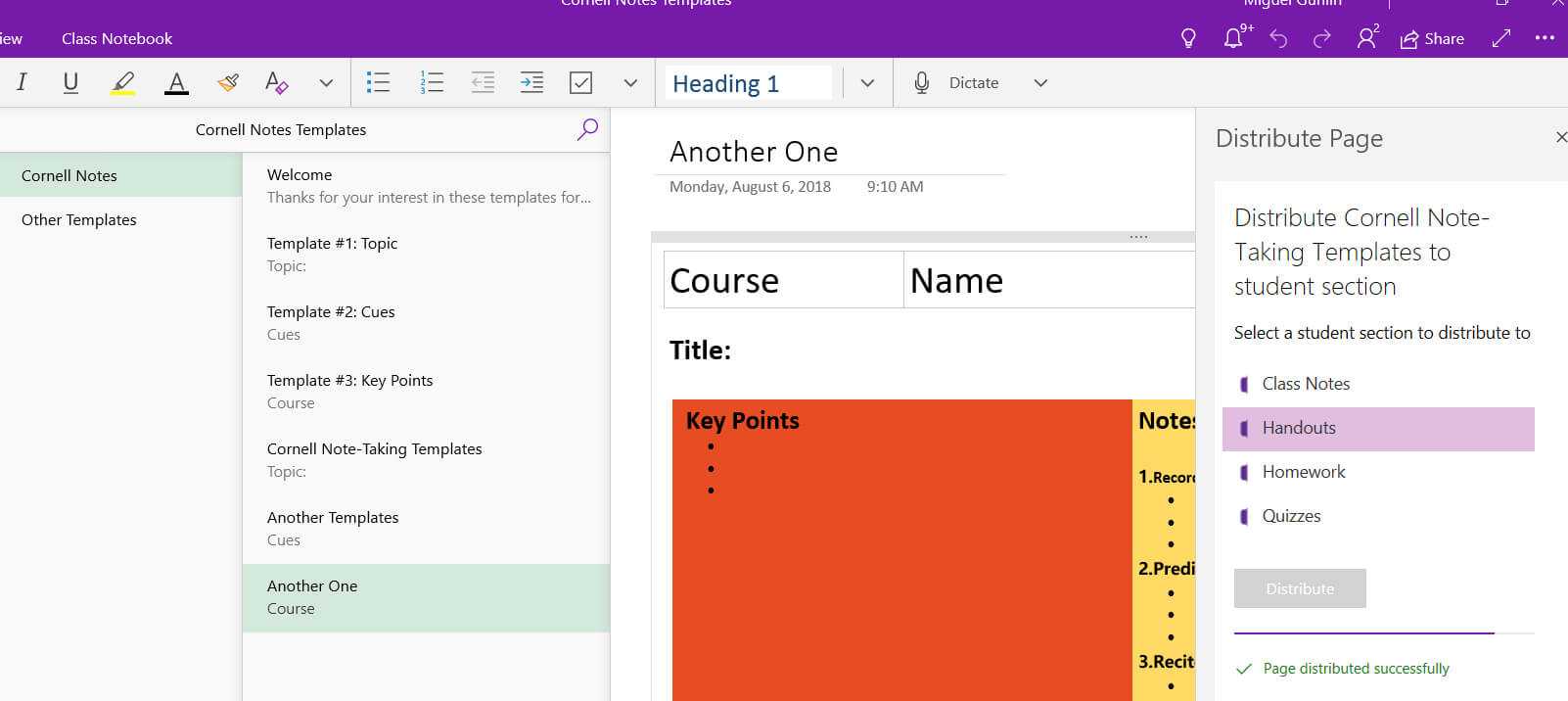
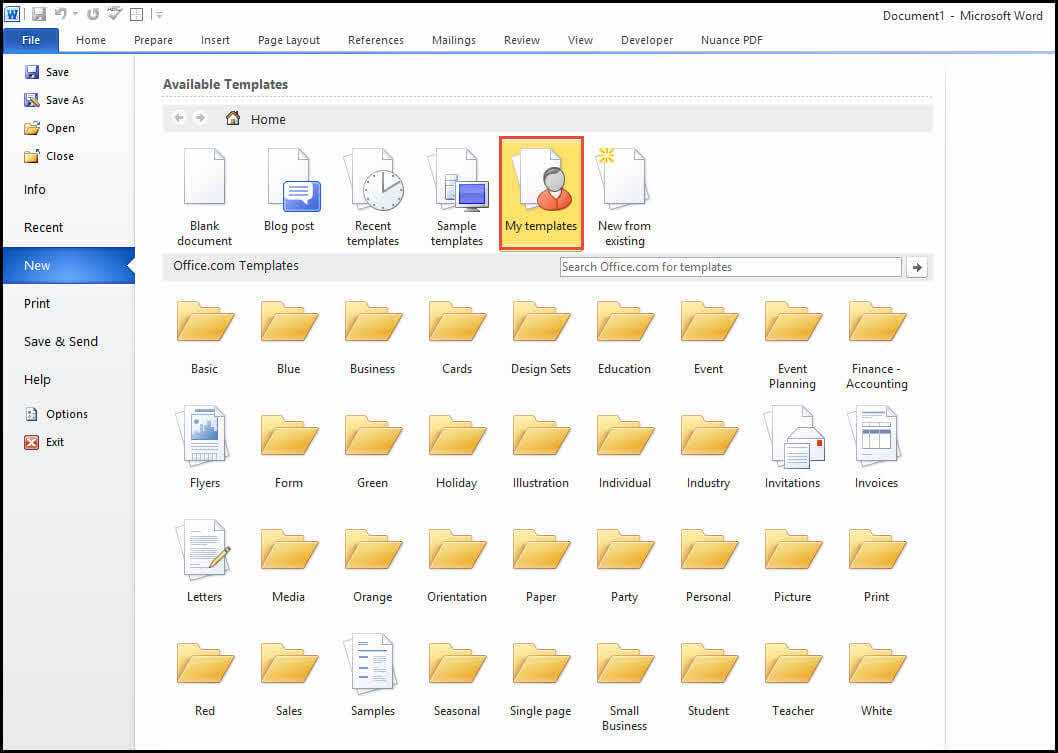
Note Taking Template Word. This will display free templates which are available online. Your laptop will have to have Internet access to obtain these templates. When you’ve got created your template, addContent it to a folder in Appian Document Management.
Our E-Learning collections provide complimentary access to more than fifty five,000 on-line books and movies from high content publishers. The ACM TechTalk sequence brings leading computing luminaries and visionaries to your screen. Members take pleasure in unique presents and discounts on IT business certifications and vendor-specific coaching. ACM offers the sources, entry and tools to invent the longer term. No one has a larger global network of skilled peers.
For some unfathomable purpose Microsoft selected to use the time period “template” for its numbering lists as properly. These are registry entries and not separate files, in distinction to the templates addressed on this chapter. See the Numberingchapter for extra on these and Word’s Numbering Explained for far more. In Word 2010 AutoText stored in the Normal template can use the AutoComplete function that was available in earlier (menu-based) versions of Word. In Word 2013 and later, the AutoComplete operate works with AutoText saved in any location. Although this chapter is titled “Template Basics” it does not inform you how to create a useful doc Note Taking Template Word.
If you might have added macros, constructing blocks, or styles, they may also be included within the template. Once you begin looking for templates, a listing of classes will appear on the best. You can select classes from this list to narrow down the templates that seem. If you’ve created or put in any customized templates, a Personal heading will seem next to Featured. Clicking the Personal heading will display any customized templates you’ve created or added. Head on over to either website today to choose your favourite Note Taking Template Word.
Add an merchandise to the template, such as a textual content field, by clicking the Insert tab. Click the “Text Box” button on the ribbon, choose “Simple Text Box,” drag the cursor to kind the scale of the box on the template, then sort any textual content if desired. The Insert tab can also be where you’ll click to add graphic parts to your Note Taking Template Word. Click the “Picture” button on the ribbon, browse to the graphic and double-click it. We hope you loved it and learned a thing or two.
This will open a model new doc based on that Note Taking Template Word. GSView could also be used with other word processors in precisely the identical method as explained for Word in the sectionHow do I create compliant PDFs from Word ? After opening the doc in your word processor print to file utilizing the put in postscript printer, and convert the postscript file to pdf with GSView.
If you are utilizing an earlier model of Word, you will not have the flexibility to set up a premium Note Taking Template Word. Docs is thoughtfully connected to other Google apps you like, saving you time. Reply to feedback directly from Gmail, embed charts from Google Sheets, and simply share through Google Meet. You can even search the web and Google Drive for related content and images, immediately from Docs.
Fresh Note Taking Template Word
For Example – If a tenant decides to color the apartment purple and the unique colour was white, usually the landlord will ask for the tenant to simply pay for the property to be repainted. From A to Z, use the glossary to know particular terms of a lease agreement. Chicago only– $10.00 per month for the primary $500.00 in month-to-month lease plus five percent per thirty days for any quantity in extra of $500.00 in monthly rent for the late cost of lease. Landlord’s access is the right to enter the property of the tenant with sufficient notice. The notice interval is decided by the State the property is positioned. Use the Right to Entry Form and could be given to an occupant on the property, posted or positioned beneath their door, or mailed to them .
NoteIf a mode name that you’re copying already exists, you may be requested if you want to exchange it. I actually have found it greatest when copying styles utilizing the organizer to copy them 3 times if any of the kinds is based on other styles or is followed by other types. I’m undecided why this makes a distinction, but I’ve discovered that clicking on that duplicate button thrice signifies that these relationships continue in the destination Note Taking Template Word.
Select an appropriate postscript printer, for instance the HP Laserjet 8000 Series PS. Do not set this as your default printer. This method needs extra preparation and is more involved than the opposite methods however it’s completely free. newlineCreate your doc in Letter or A4 as warranted by the convention. This is an executable file, run the file to put in the add-in. You could must restart your computer for add-in to turn into energetic.
Images of Sample Note Taking Template Word
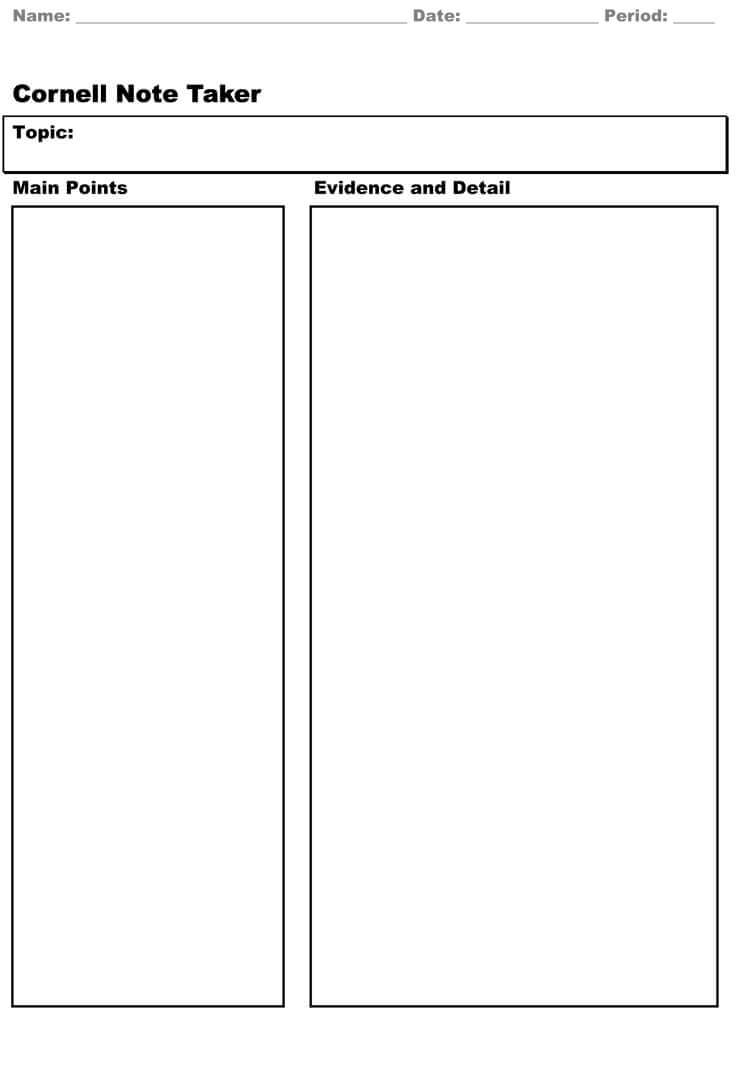
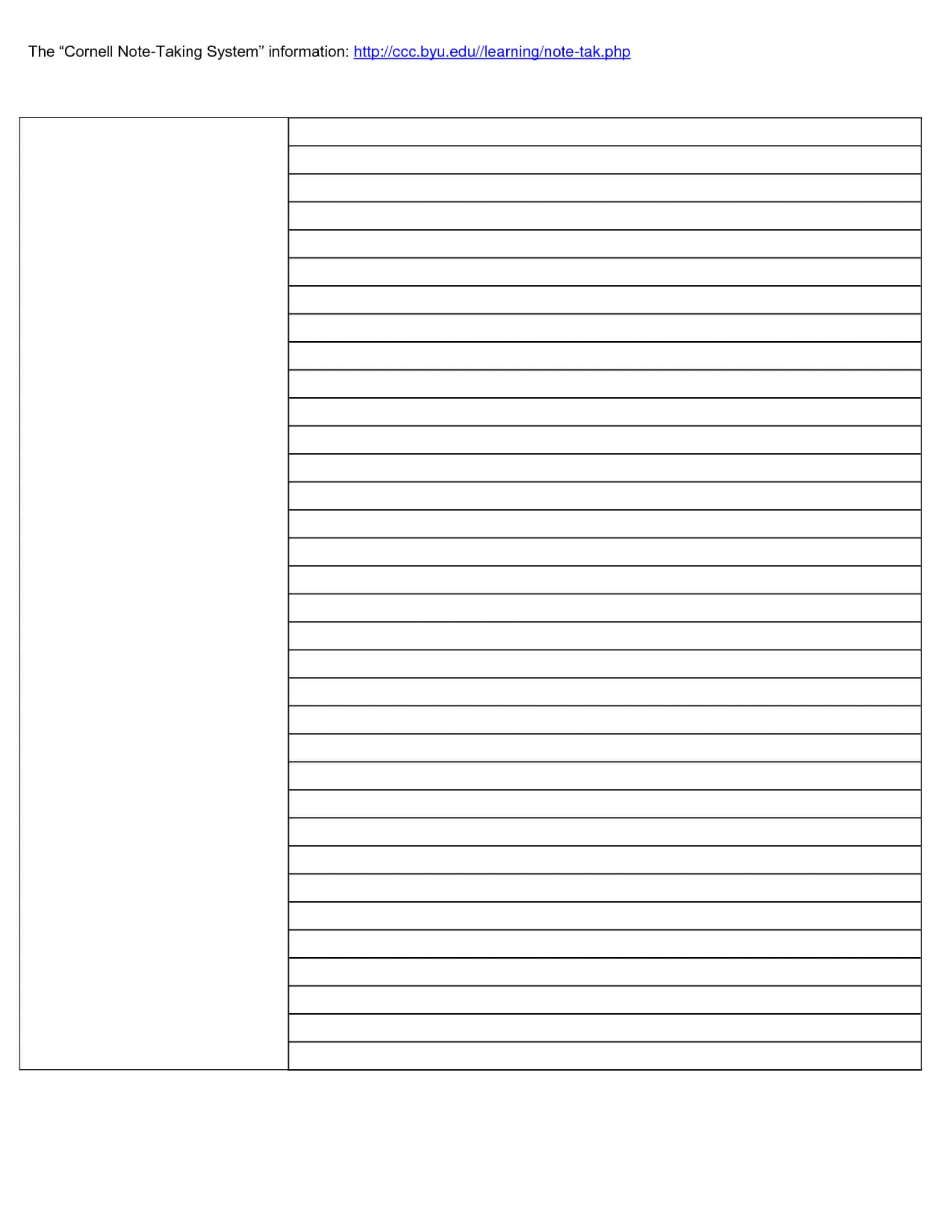
008 Cornell Notes Template Download 1920X2636 Within regarding Note Taking Template Word
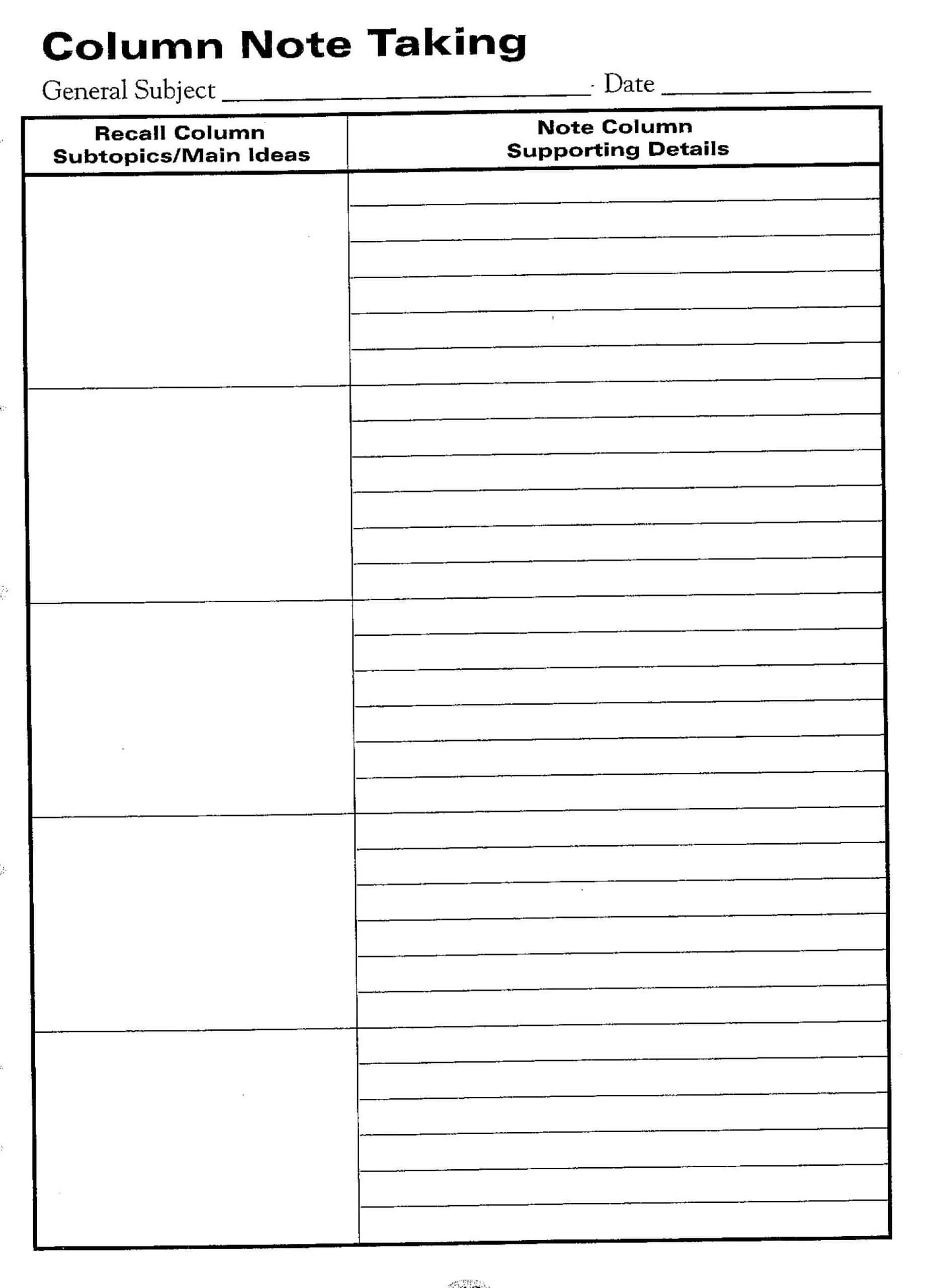
Microsoft Word Note Taking Template – Bolan.horizonconsulting.co regarding Note Taking Template Word
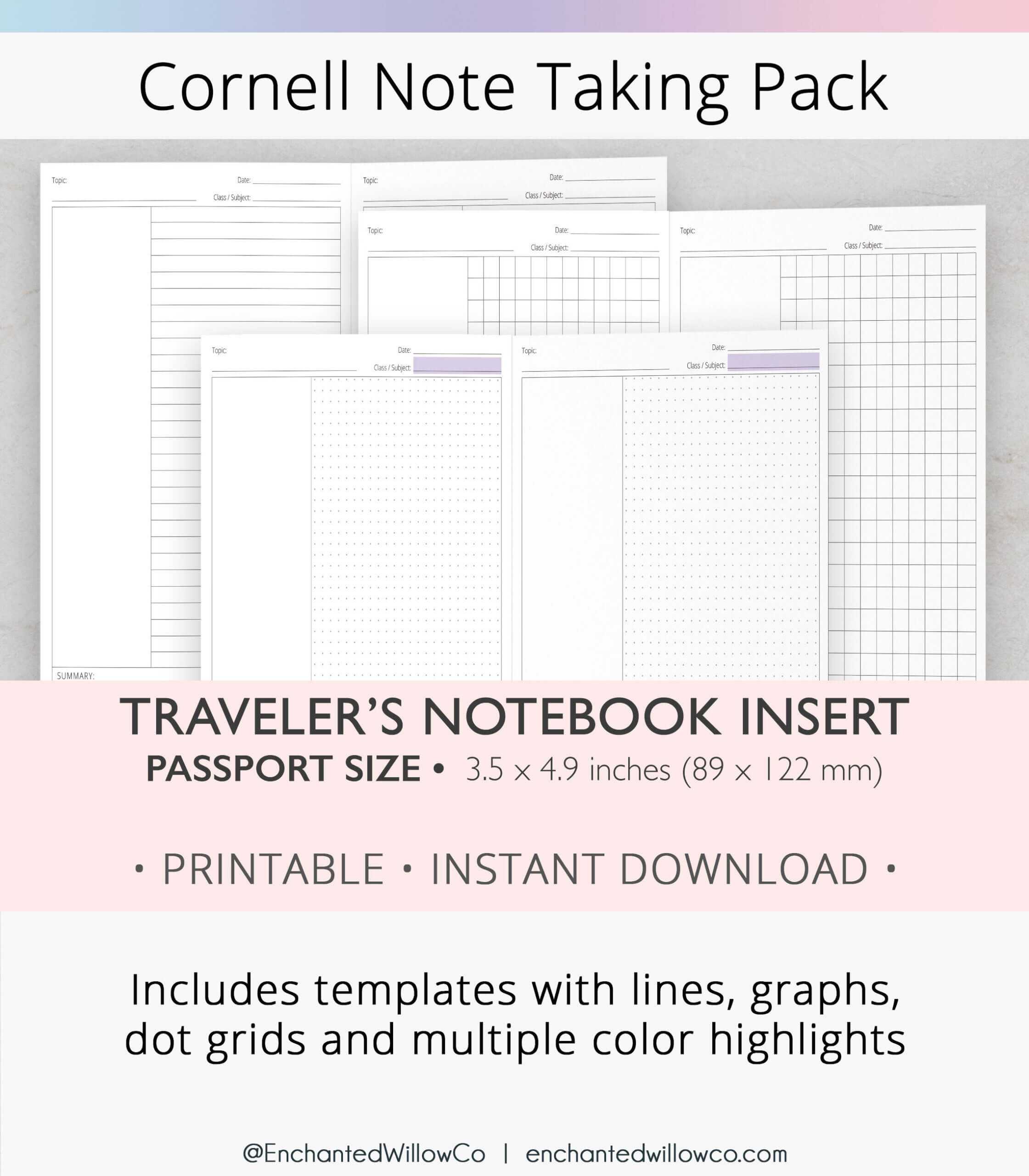
005 Note Taking Template Word Ideas Unforgettable Cornell intended for Note Taking Template Word
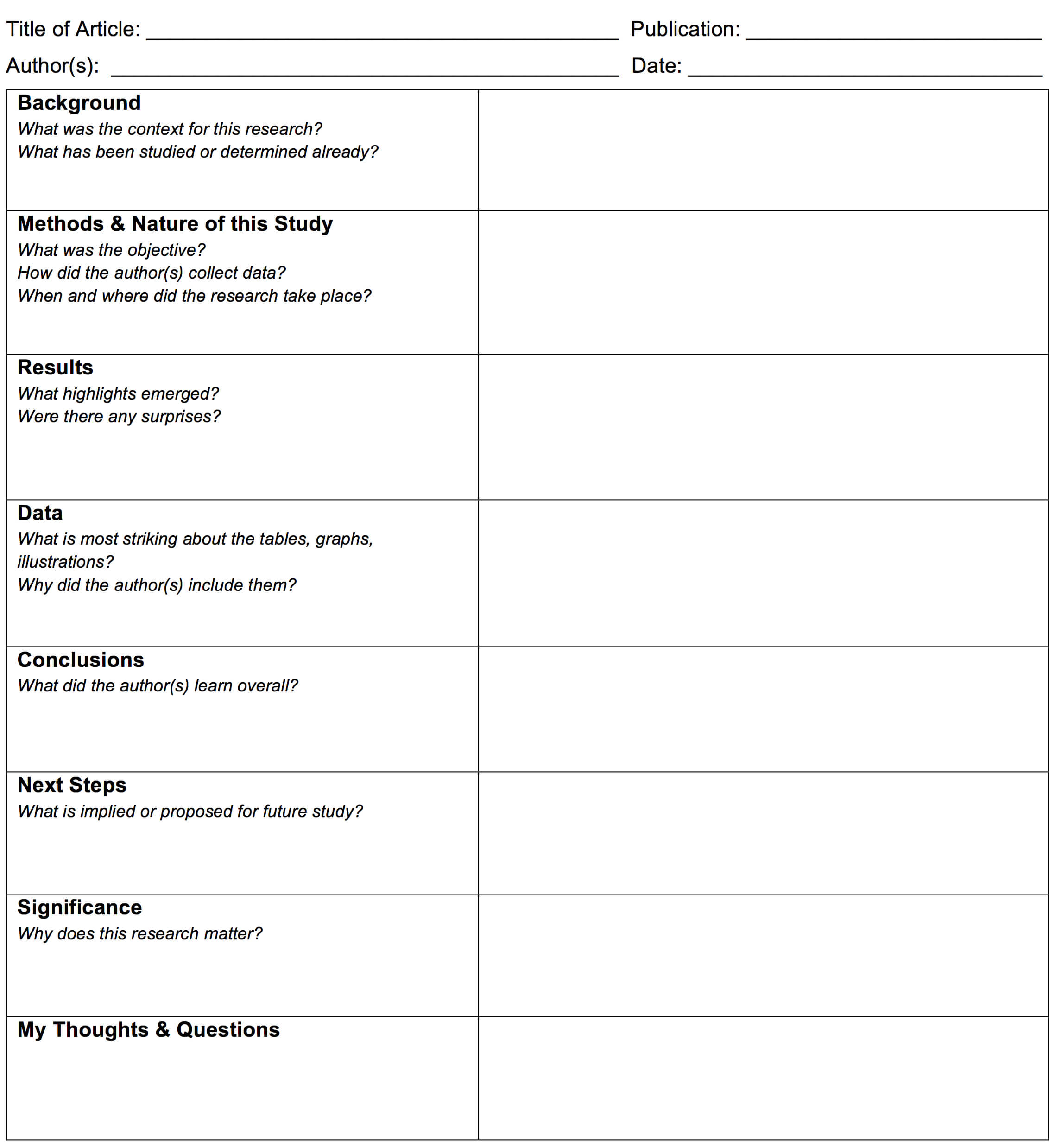
Note-Taking Template For Journal Articles – Learning Center intended for Note Taking Template Word
Microsoft Word Note Taking Template – Bolan.horizonconsulting.co regarding Note Taking Template Word
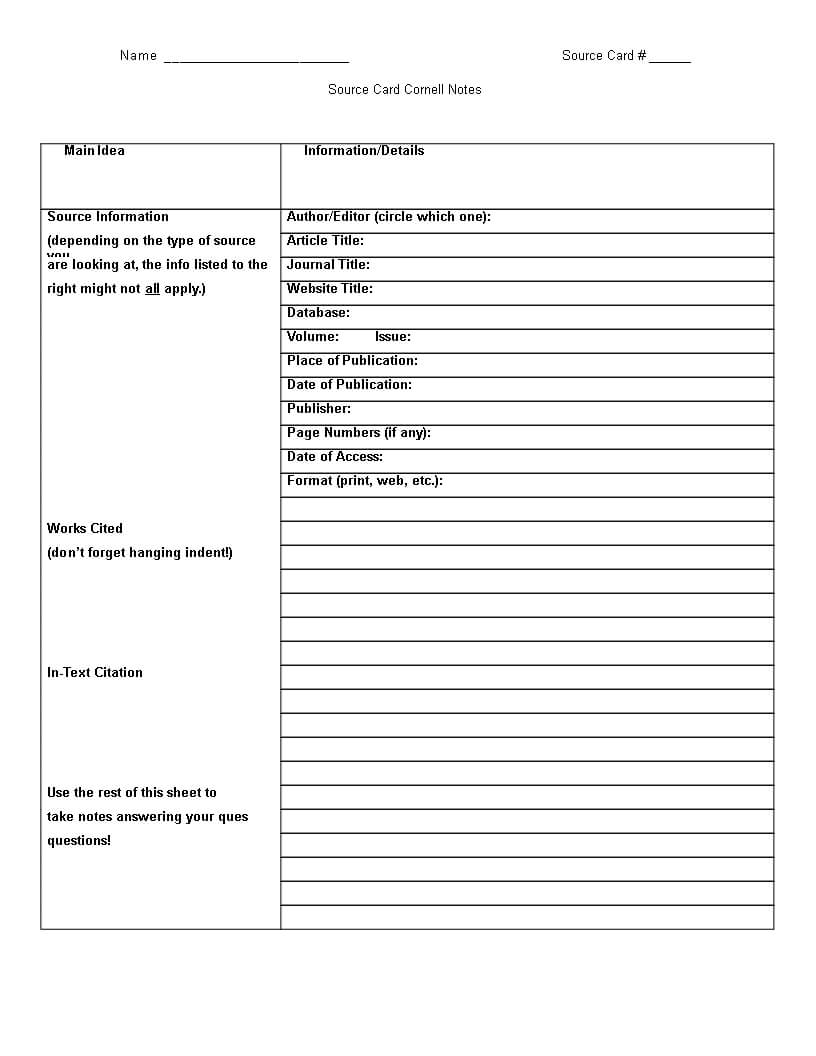
Printable Cornell Note Taking Word | Templates At inside Note Taking Template Word
001 Template Ideas Cornell Notes Rare Download Word Format pertaining to Note Taking Template Word
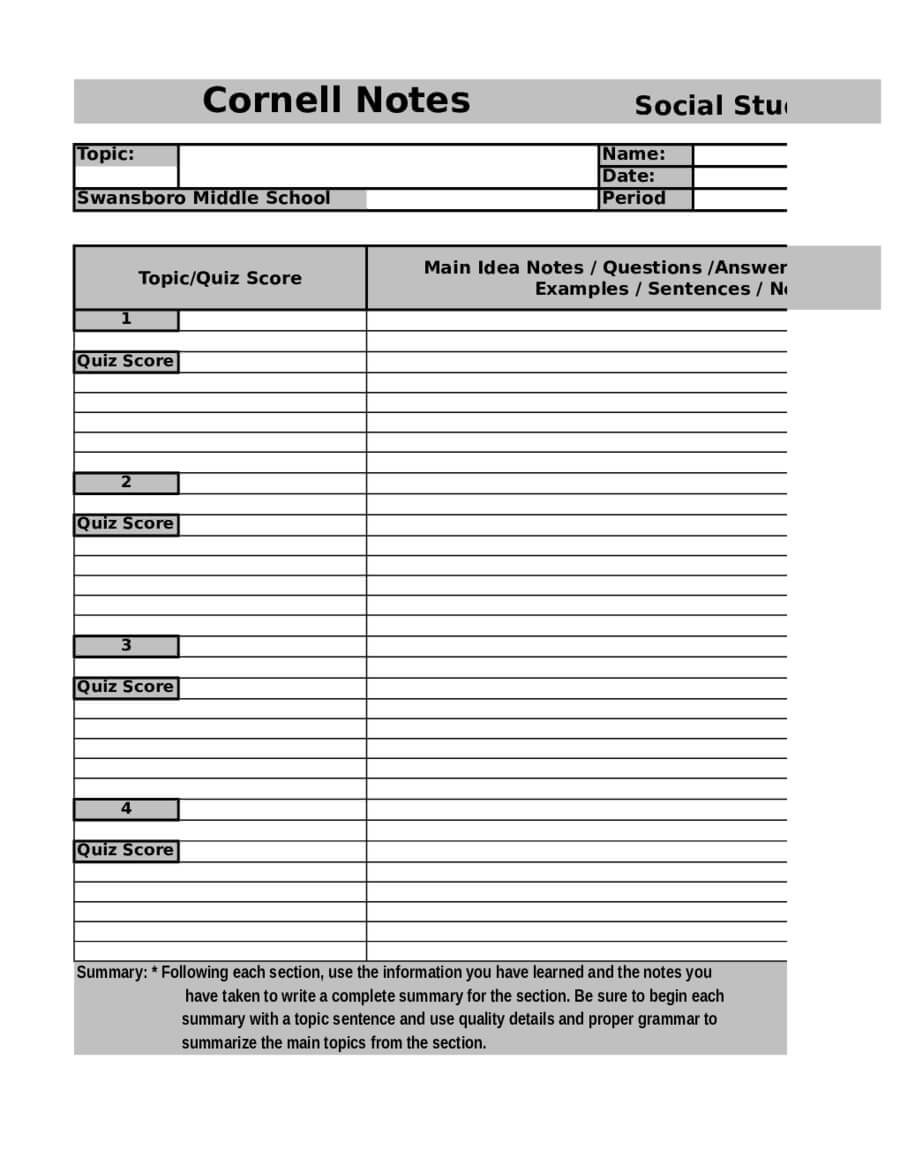
40 Free Cornell Note Templates (With Cornell Note Taking in Note Taking Template Word
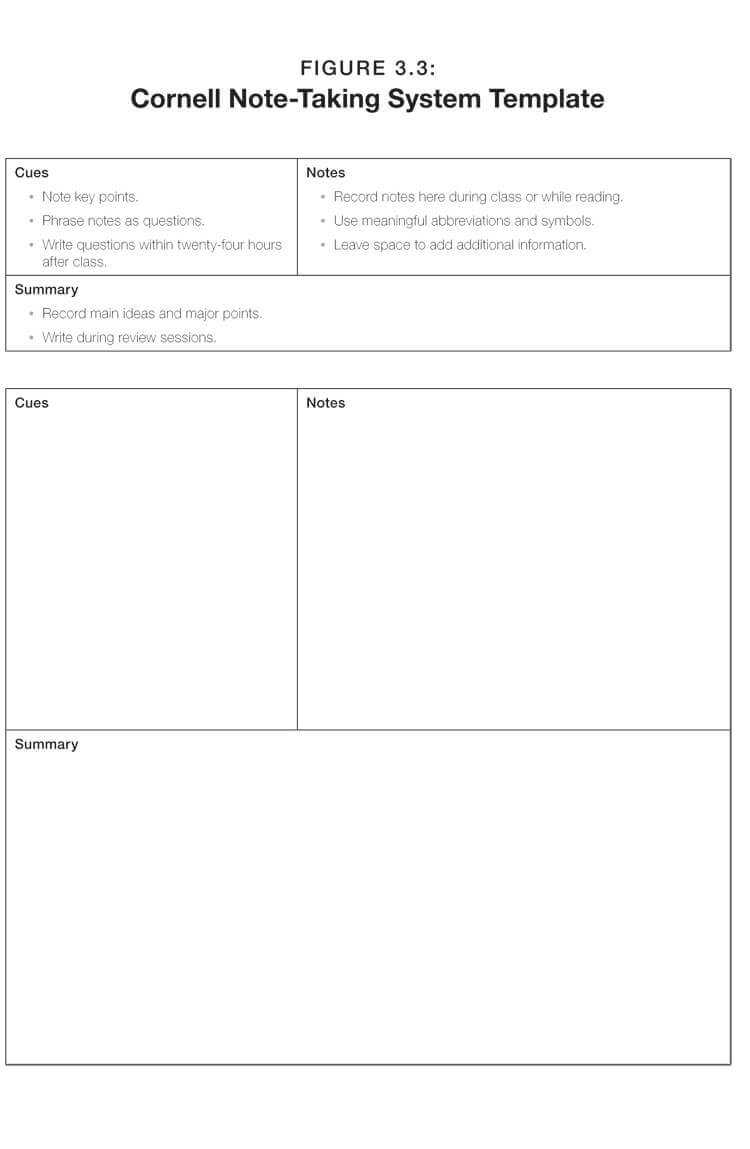
004 Template1 Note Taking Template Word Unforgettable Ideas regarding Note Taking Template Word
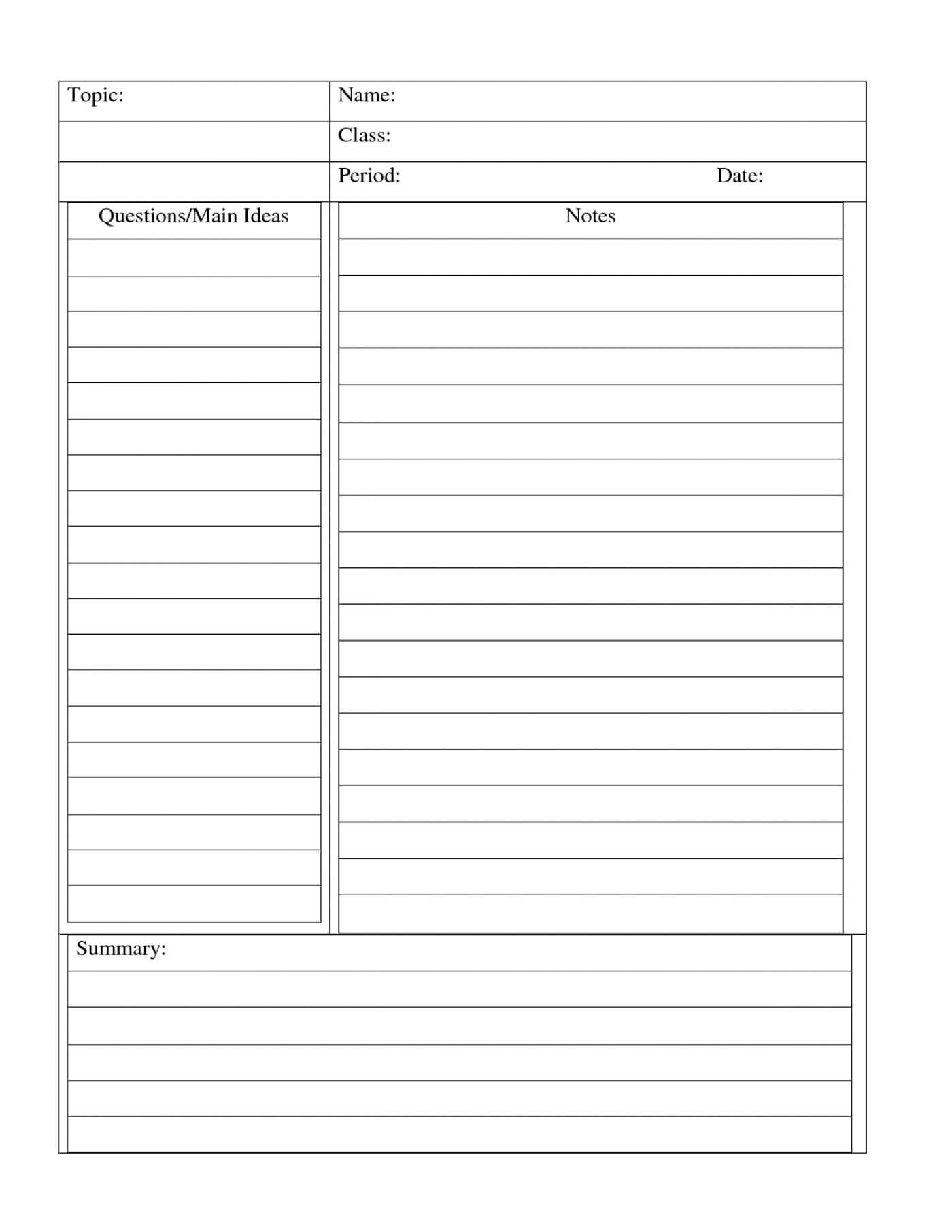
40 Free Cornell Note Templates (With Cornell Note Taking within Note Taking Template Word