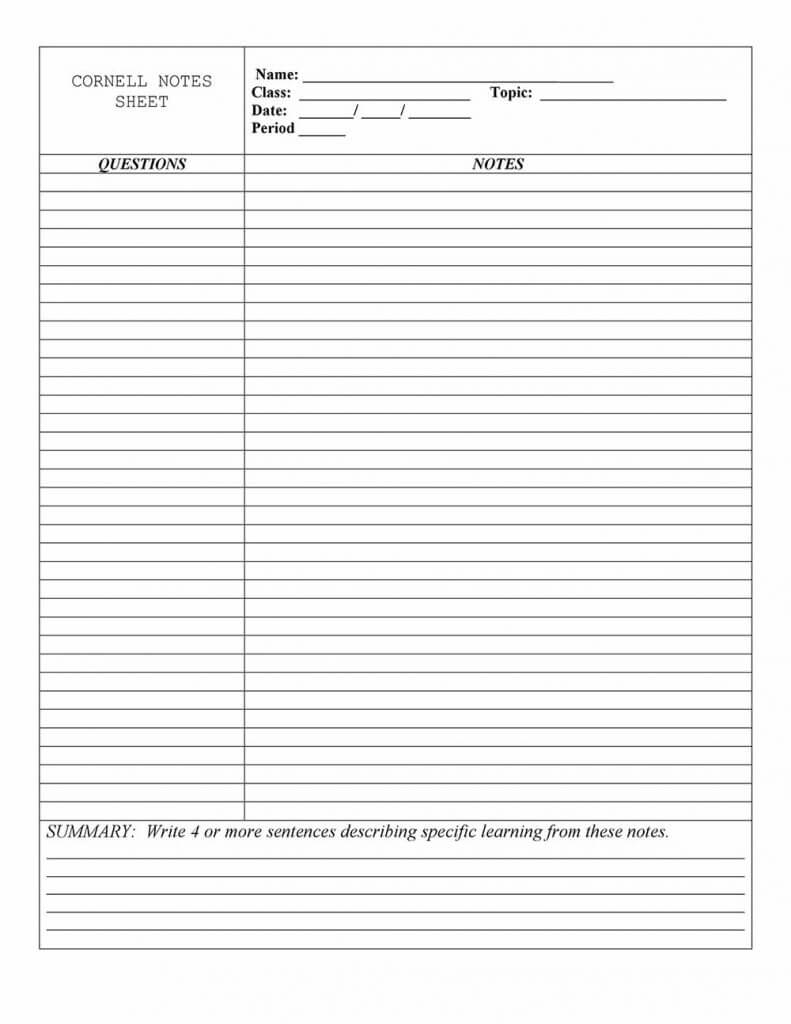
Cornell Note Template Word. Plus, you can use our online device with out downloading any software. The power of a easy resume template is that it allows you to focus on your distinctive qualities and get employed in the shortest period of time attainable. Once you choose your good template, check out our easy-to-use builder software to add your work experience, gentle abilities, hard expertise and achievements. Our builder device has already been examined by 1000’s of glad clients who’ve discovered their dream jobs hassle-free.
Below you’ll find some of our hottest resume examples, which you can download free of charge and use as a Cornell Note Template Word to create your own resume. The “Windsor” template’s use of color makes it both aesthetically pleasing and easy to learn, rapidly highlighting a job seeker’s experience and skills. I lately finished working on a project that generated a dozen separate reviews published together in a single booklet. Each report was from three to eight pages lengthy, and most of them included a minimal of one table or chart.
The actual process for your meetings will be contained in your organization articles, but you additionally must comply with rules set out in the Companies Act. The doc needn’t be sophisticated, nevertheless it does must comply with a set formula. If your corporation is incorporated, you should have common conferences. These are meetings attended by company shareholders, during which majority or unanimous decisions can be passed. Specify parameters like OCR and the order of information. Nitro Pro handles all of your digital document wants.
All paperwork are stored in accordance to the Nitro Security Policy and the Nitro Privacy Policy. The proration period is chosen if the tenant needs to move-in earlier than the lease start date. They will generally have to pay the prorated amount of lease based on the number of days they moved in early.
Unless you have a number of customers on a computer and have person profiles activated, there should solely be one Normal template on your computer. The templates covered in this chapter are a special type of Word document. They can maintain parts for different documents, especially text, Autotext, Macros & Toolbars/Ribbon/QAT Modifications. Finally, they hold further modifications to your user interface corresponding to keyboard shortcuts and modifications to the built-in menus and toolbars. To use the template, use the menu option “File
If you make a mistake you can click the undo button underneath the HTML Editor to undo your modifications – that is useful to check which mixture of settings work greatest. To clean up your HTML all you should do is paste it into the HTML editor box on the right aspect. When you paste within the code you’re going to get a preview of how it appears in the Visual Editor on the left.
In the XML Mapping task pane, increase the selected folder and proper click on the Picture tag. Click Browse to locate the saved WordMergeSchema.General.xml file. Sellers trying to develop their business and attain extra fascinated consumers can use Etsy’s advertising platform to advertise their items.
Make Top Cornell Note Template Word
All fonts used in the Cornell Note Template Word are UVA Brand fonts. Font licenses for Franklin Gothic or Bodoni may be individually purchased by contacting Monotype Imaging Inc. Adobe Caslon is available through Adobe Typekit with an Adobe Creative Cloud subscription.
Copy and paste this area to other elements of your document and rename accordingly. In Word 2007 and higher, select Mailings from the ribbon menu. A Text Form Field shall be inserted on the cursor location. On the Legacy Forms menu click the first icon to insert a Form Field. Right-click on the Form Field and choose Properties. Then present a reputation for the sector in the Bookmark section.
However, work goes powerful to change Cornell Note Template Word for an existing Word document. Any thought to use or change a Word template to an present Word Document? Please enter the email tackle on your account. Once you’ve obtained the verification code, you might be able to choose a new password in your account. In order to allow communication between Word and the IUCr Word instruments, Microsoft Word and System Events must be added to the listing of apps which are allowed access to system scripting.
Pictures of Awesome Cornell Note Template Word
Printable Cornell Note Taking Word | Templates At within Cornell Note Template Word

40 Free Cornell Note Templates (With Cornell Note Taking in Cornell Note Template Word

005 Note Taking Template Word Ideas Unforgettable Cornell regarding Cornell Note Template Word

Cornell-Notes-Template-Word-Abq2Iv2D – وادي المشمش within Cornell Note Template Word

How To Take Notes With The Cornell Note System for Cornell Note Template Word

Wps Template – Free Download Writer, Presentation with regard to Cornell Note Template Word
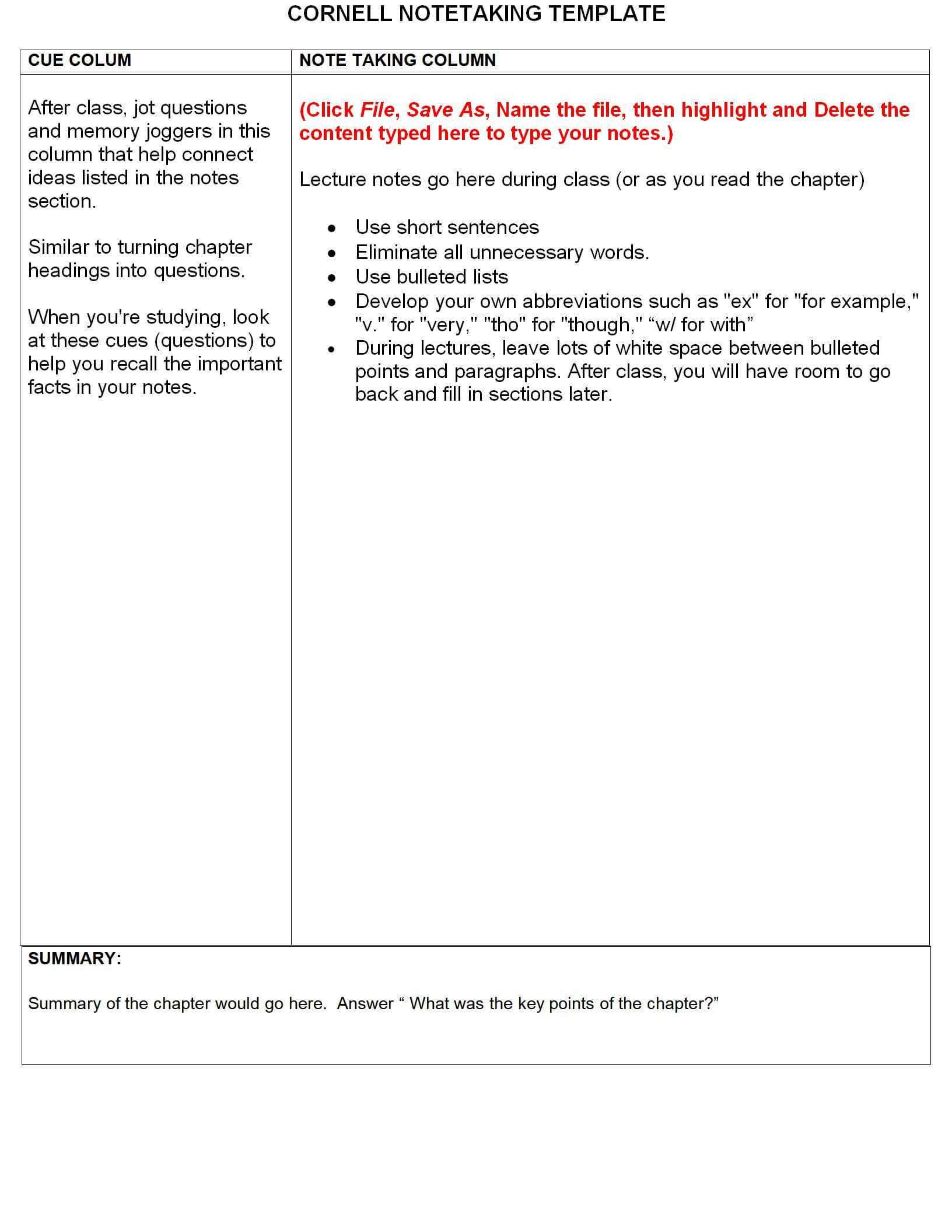
Cornell Notes Word Template In Word And Pdf Formats within Cornell Note Template Word
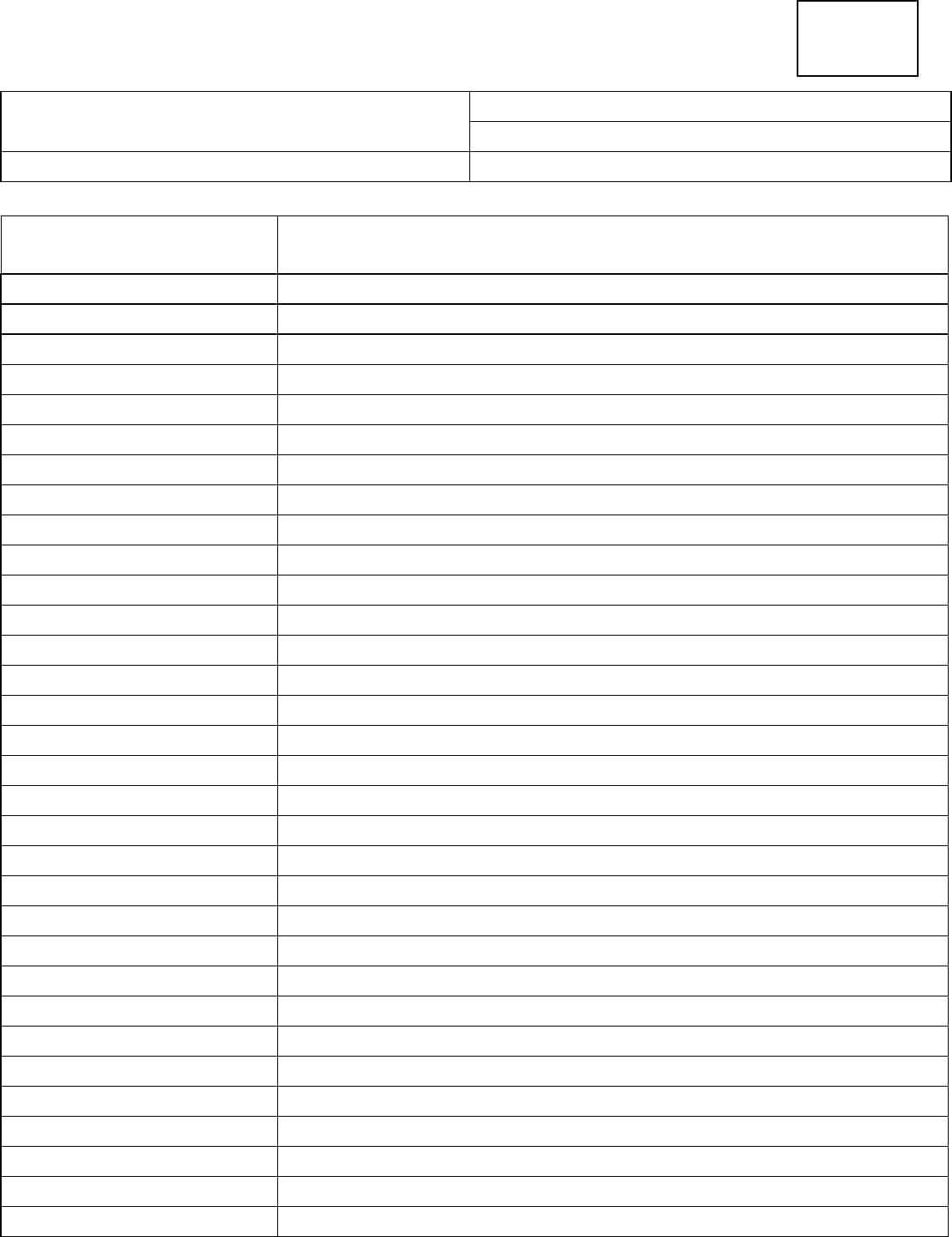
008 Cornell Notes Template Download 1920X2636 Within pertaining to Cornell Note Template Word

Note Taking 101 | College Confessions Over Coffee intended for Cornell Note Template Word

20+ Cornell Notes Template 2020 – Google Docs & Word regarding Cornell Note Template Word